

Creating high-quality videos doesn’t have to mean investing in expensive gear. In fact, with just a few simple tools and a bit of know-how – maybe a lot of know-how over time – you can produce professional-looking videos even on a tight budget. Whether you’re an aspiring content creator or a small business owner, this budget video tips for beginners is for you, here are some practical steps to help you achieve great results with basic equipment.
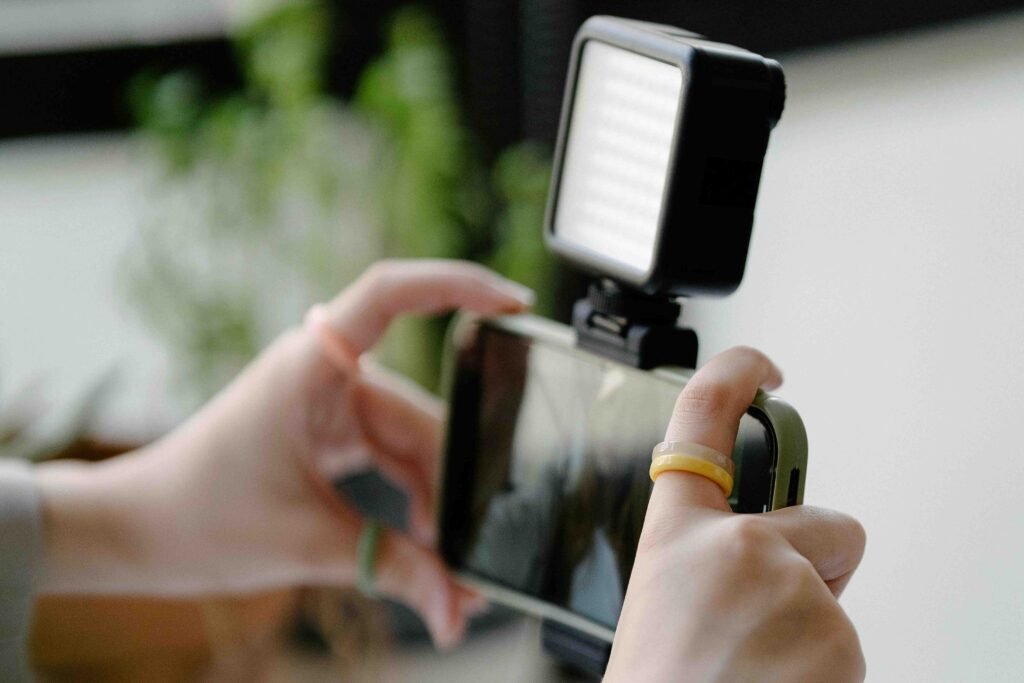
Table of Contents
1. Use Your Smartphone Camera
In 2024, most smartphones are equipped with excellent cameras capable of shooting in 1080p or even 4K. If you have a smartphone, you’re already off to a great start. The key to making the most of your phone camera is knowing how to use it properly.
Pro Tip: Always shoot in landscape mode unless you’re creating content specifically for platforms like TikTok or Instagram Reels. Also, enable the highest resolution settings on your phone for sharper footage.
Example Scenario: Imagine you’re shooting a product demo for your online store. Instead of renting or buying a DSLR, you can use your phone and focus on getting clear, well-lit shots. Many content creators on YouTube or Instagram rely solely on their smartphones for professional-looking results.
2. Optimize Lighting with Affordable Tools
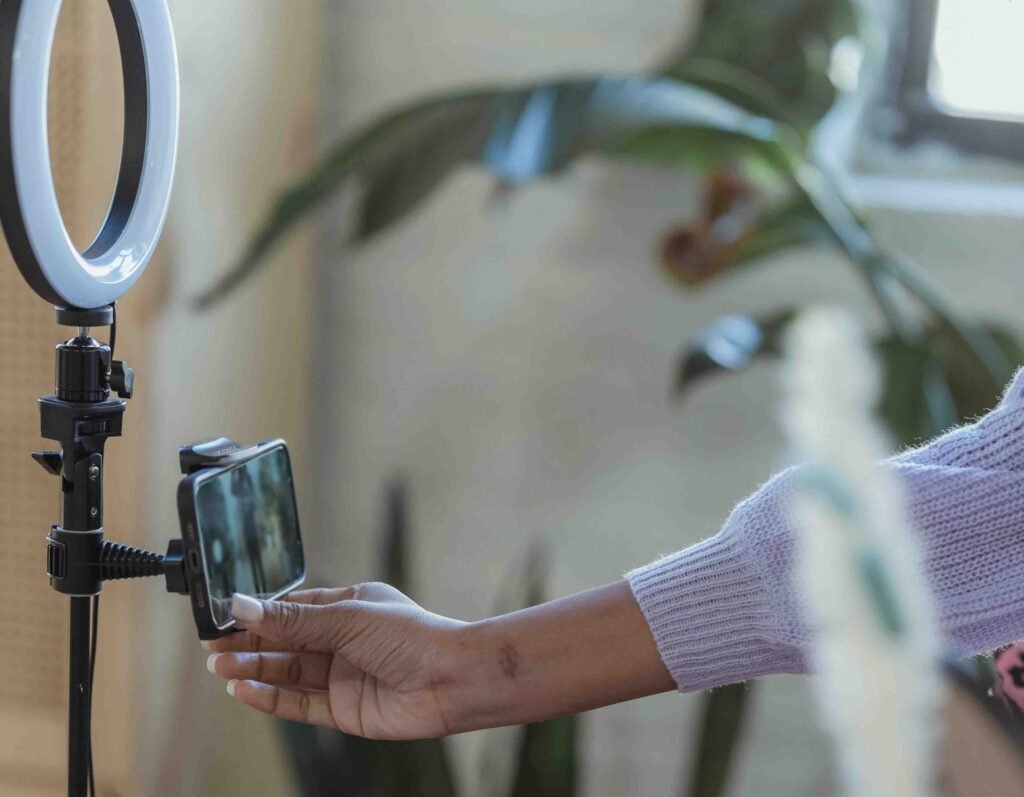
Good lighting makes all the difference in video quality. You don’t need fancy studio lights to get this right. Natural light is one of the best and cheapest sources available, and when used correctly, it can dramatically improve your video.
Pro Tip: Film near a large window during the day, positioning yourself or your subject to make the most of the natural light. If you need more control over lighting, you can invest in affordable LED ring lights or soft boxes, which are widely available for under $50.
Example Scenario: Let’s say you’re recording a cooking tutorial in your kitchen. You can place a ring light above the counter to get even lighting, and you’ll avoid the harsh shadows that typically ruin home recordings.
3. Invest in Affordable Audio Equipment
While smartphones can deliver decent video quality, their microphones often fall short. Clear, crisp audio is just as important as high-resolution visuals. Fortunately, there are budget-friendly audio solutions available, like lavalier microphones or shotgun mics that can be plugged directly into your smartphone or camera.
Pro Tip: For under $30, you can purchase a clip-on lavalier mic that improves audio quality by reducing background noise and capturing clearer sound, especially during vlogs or interviews.
Example Scenario: If you’re shooting a personal vlog in a noisy environment, like a park or café, using a lav mic will capture your voice clearly while minimizing distracting background noise.
4. Stabilize Your Shots with Low-Cost Tripods
Shaky footage can make even the best video hard to watch. The good news is, stabilizing your shots doesn’t require a high-end gimbal. You can get small, flexible tripods for under $20 that are perfect for smartphones or lightweight cameras. These help you get stable shots, especially for tutorials, interviews, or product videos.
Pro Tip: Use a small tabletop tripod or a smartphone stabilizer to get smooth, steady shots. When handheld shooting, enable image stabilization on your camera or phone to reduce shakiness.
Example Scenario: If you’re doing a hands-on tutorial, like a DIY craft video, a flexible tripod can be set up to capture different angles while you work, keeping everything steady and professional-looking.
5. Edit with Free or Budget-Friendly Software

Editing can turn your raw footage into polished content. You don’t need expensive software like Adobe Premiere Pro to do this—there are plenty of free or low-cost video editing programs available for beginners. For more, you might want to check our post: 5 Popular Free Mobile Video Editing App You Should Consider
Pro Tip: Try free options like DaVinci Resolve or HitFilm Express for desktop editing, or use apps like iMovie (for Mac users), CapCut, or InShot for simple, intuitive editing. These platforms offer basic trimming, color correction, and even visual effects.
Example Scenario: After filming your product review, you can use iMovie to quickly cut unnecessary parts, add transitions, and even insert background music—all without paying for premium editing software.
Conclusion: Budget Video Tips for Beginners
Creating high-quality videos doesn’t require a huge investment in gear. By using your smartphone, optimizing lighting, improving your audio setup, stabilizing your shots, and editing with free or budget software, you can produce videos that look and sound great. Not to make it sound overly simple, you do need to put in some work to learn the art. These budget video tips for beginners focus on making the most of the tools you already have while prioritizing content and creativity. Besides this budget video tips for beginners, we have other contents like Why Audio Quality is the Key to a Professional Video which you might want to check out.
Ready to start filming? Grab your phone, set up some lighting, and let your creativity do the rest! 🎥✨ Don’t forget to join us on all our social media platforms as we build a community of creators. SUBSCRIBE! to our YouTube channel if you haven’t already!